


Accessories & Parts



Call Us Now
| MLN Online: | (03) 9421 4711 |
| MLN Richmond: | (03) 9427 7887 |
Microsoft Wedge Touch Mouse Bluetooth

Small and stylish, and perfect for Windows 8
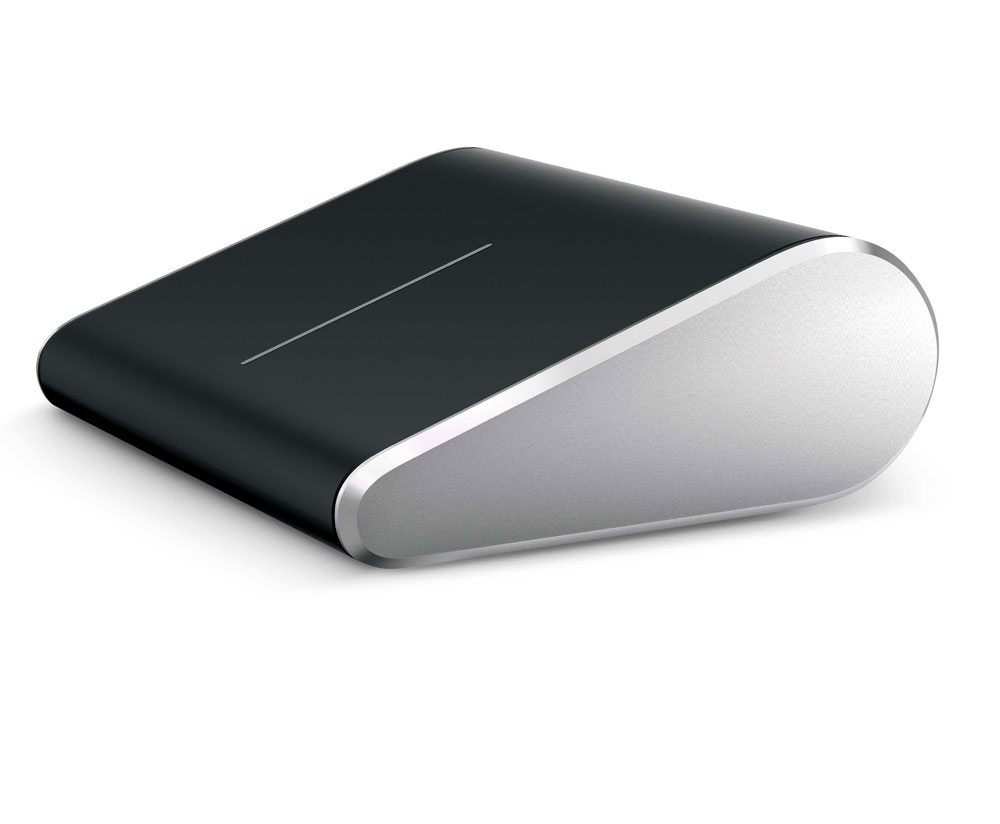
With the new Wedge Touch Mouse, you can comfortably navigate Windows 8 using Microsoft’s touch technology—while at the same time wowing those around you with a mouse that looks and feels like no other.

Comfort without the bulk of a traditional mouse
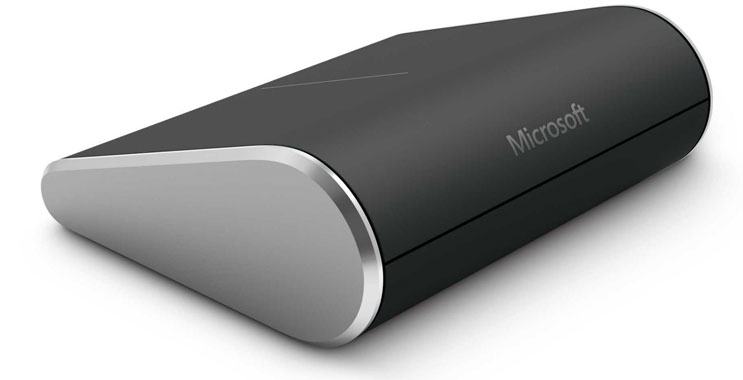
Wedge Touch Mouse packs full functionality into a compact frame that’s great for your mobile lifestyle. Small enough to fit in your pocket, it’s the perfect companion for your laptop or tablet when you’re on the go. Plus the artful, minimalist design (complemented by high-quality materials and craftsmanship) gives you fluid, four-way touch scrolling and navigation in every direction.
Bluetooth® technology means no clutter
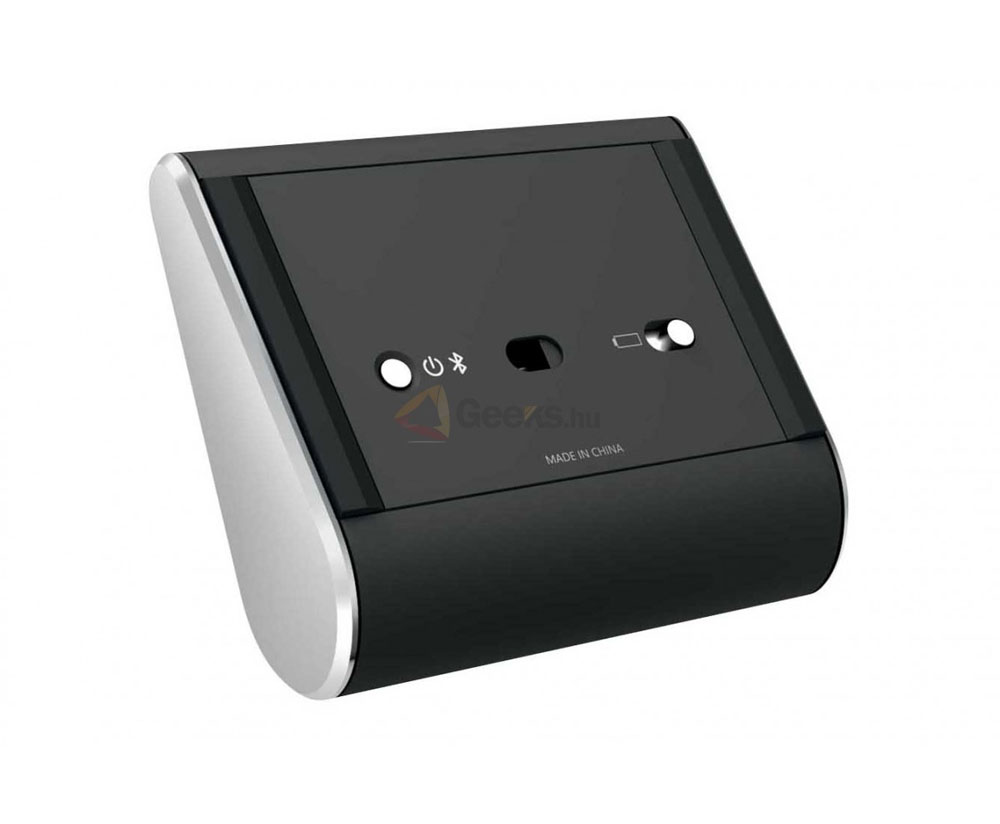
Not only is Wedge Touch Mouse compact, it doesn’t come with cables or USB transceivers. Just turn it on and connect it to your Bluetooth-enabled laptop or tablet. Additionally, BlueTrack technology means it tracks on virtually any surface, whether you’re at a conference or a coffee shop.

Compact Design for Ultimate Portability
Our smallest mouse ever. Designed specifically to use with tablets, on the go.
Four-Way Touch Scrolling
Scroll vertically AND horizontally using the sleek touch strip. Flick up, down, and side to side to navigate spreadsheets, long documents, web pages and the new features of Windows 8. Scroll slowly with a gentle swipe or quickly with a flick of the finger, then tap to stop.
BlueTrack Technology®
Works on virtually any surface in your home, office, or anywhere in between.
Conserves battery power
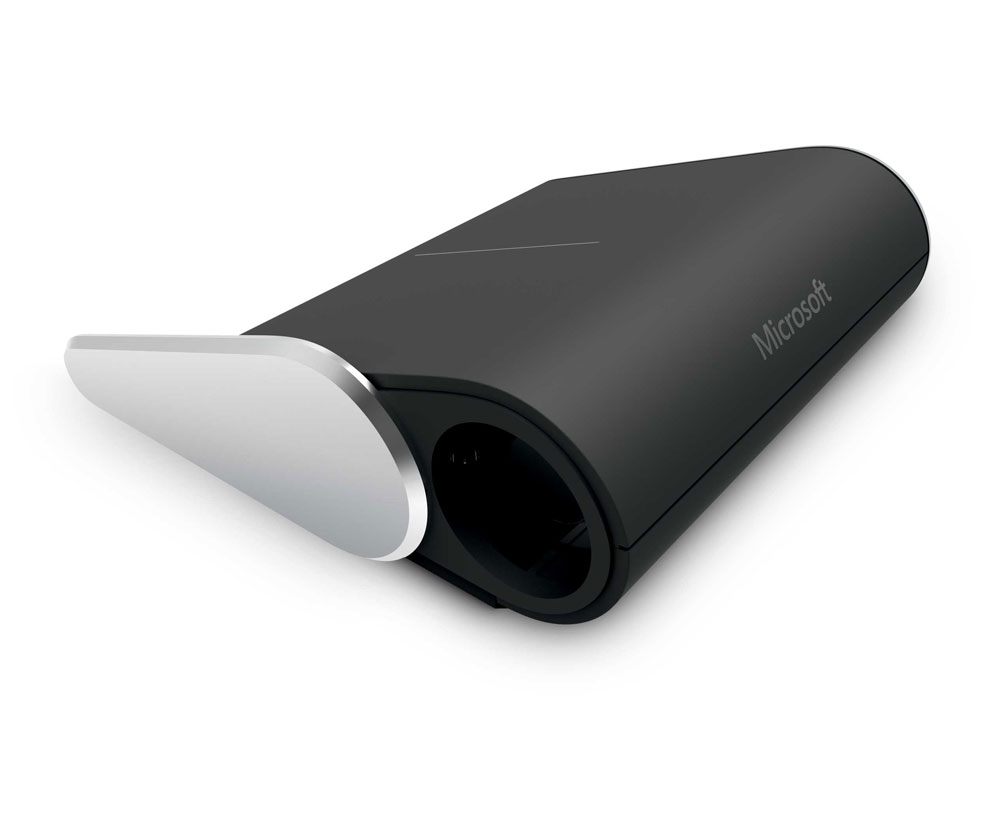
Wedge Touch Mouse even knows how to conserve energy. When your PC or tablet is shut down or hibernating, the mouse goes into “Backpack Mode.” You can throw it into your bag and not worry if you turned it off because it senses that it no longer needs to be on.
See also:


Specifications
| Our smallest mouse ever. Designed specifically to use with tablets, on the go. | |
| Scroll vertically AND horizontally using the sleek touch strip. Flick up, down, and side to side to navigate spreadsheets, long documents, web pages and the new features of Windows 8. Scroll slowly with a gentle swipe or quickly with a flick of the finger, then tap to stop. | |
| Works on virtually any surface in your home, office, or anywhere in between. | |
| Requires a PC that meets the requirements for and has installed one of these operating systems: Windows® 8, Windows RT, Windows 7. | |
| 1 AA alkaline battery required (included). Microsoft Mouse and Keyboard Center 2.1 Computer enabled with Bluetooth® Broadband required. Added charges may apply. |