


Accessories & Parts





Call Us Now
| MLN Online: | (03) 9421 4711 |
| MLN Richmond: | (03) 9427 7887 |
Logitech G110 Gaming Keyboard with Custom Color Backlighting
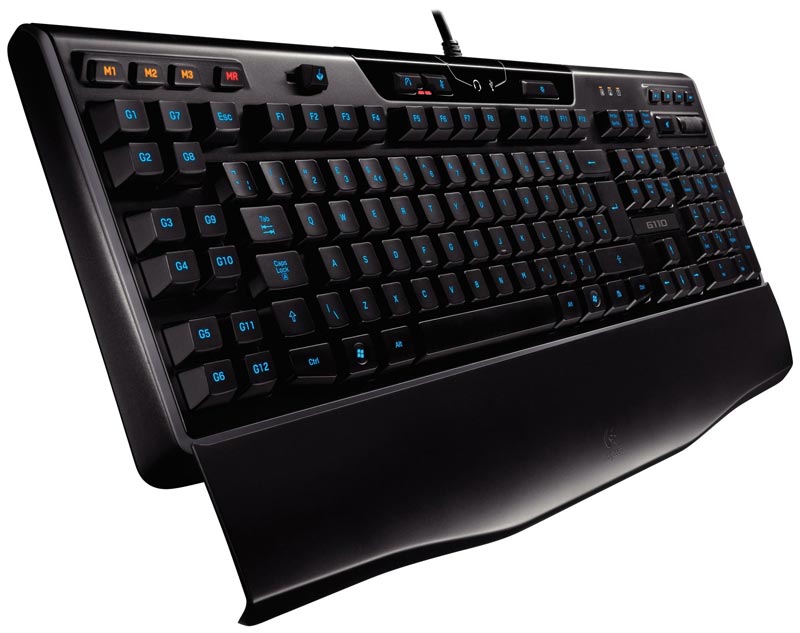
Custom-color backlighting*
You can easily locate the correct keys, even in the dark. Plus, you can mix red and blue backlighting LEDs in varying intensities to create custom colors.
Integrated USB audio
Separate headphone and mic jacks and mute buttons mean you can use any analog headset with 3.5 mm plugs as a USB audio device for clear communication.
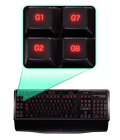
Twelve programmable G-keys
Three macros per key let you configure up to 36 unique functions per game, including single keypresses or complex macros. You can even create macros on the fly.
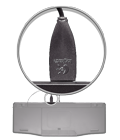
Hi-Speed USB 2.0 hub port
You can connect a flash drive for lightning-fast data transfer or quickly plug in your gaming mouse.
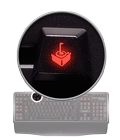
Game/desktop mode
No accidental interruptions—you can disable the Windows/Context Menu keys when you play.
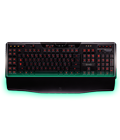
Removable palm rest
You’ve got extra support when you need it. If the palm rest is in your way, you can easily detach it.
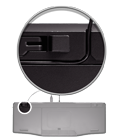
Intelligent cable management
You can keep mouse, headset, and other cords out of the way by routing them through channels on the underside of the keyboard.
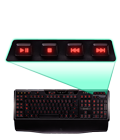
Instant media access
Convenient one-touch controls give you instant access to volume control and media playback.
Specifications
| Custom-color backlighting You can easily locate the correct keys, even in the dark. Plus, you can mix red and blue backlighting LEDs in varying intensities to create custom colors. | |
| Integrated USB audio Separate headphone and mic jacks and mute buttons mean you can use any analog headset with 3.5 mm plugs as a USB audio device for clear communication. | |
| Twelve programmable G-keys Three macros per key let you configure up to 36 unique functions per game, including single keypresses or complex macros. You can even create macros on the fly. | |
| Hi-Speed USB 2.0 hub port You can connect a flash drive for lightning-fast data transfer or quickly plug in your gaming mouse. | |
| Game/desktop mode No accidental interruptions—you can disable the Windows/Context Menu keys when you play. | |
| Removable palm rest You’ve got extra support when you need it. If the palm rest is in your way, you can easily detach it. | |
| Intelligent cable management You can keep mouse, headset, and other cords out of the way by routing them through channels on the underside of the keyboard. |